Laravel Inertia and Vue Pagination Example
2 years ago
admin
Laravel
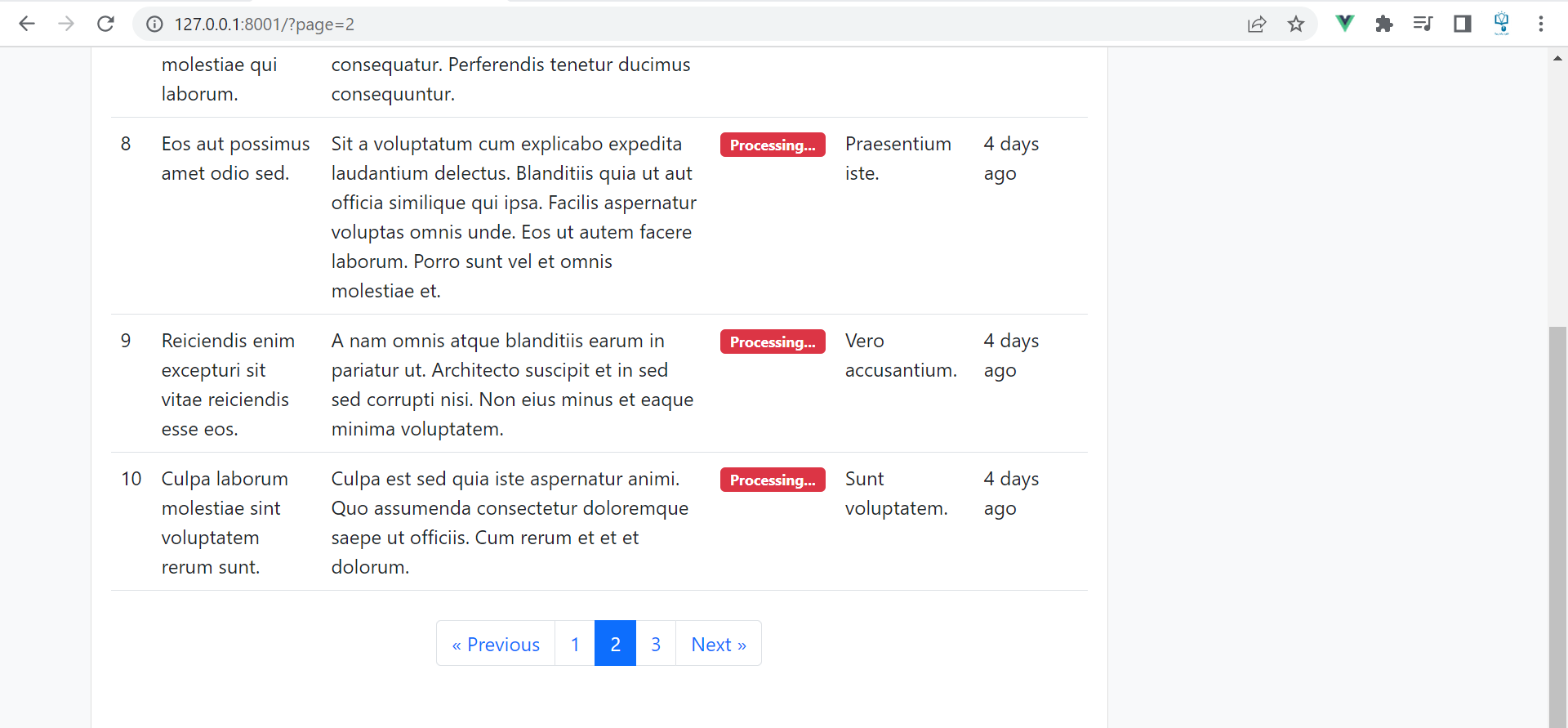
In today's lesson, we are going to see how to use pagination with Laravel Inertia js and Vue js, let's assume that we have a task application and we want to display data paginated.
Create the controller
Inside the controller, we retrieve all the tasks paginated.
                                                                                                                <?php

namespace App\Http\Controllers;

use App\Models\Task;
use Illuminate\Http\Request;
use Inertia\Inertia;

class TaskController extends Controller
{
    /**
     * Display a listing of the resource.
     */
    public function index()
    {
        //
        $tasks = Task::with('category')->paginate(5);
        return Inertia::render('Tasks/Index',[
            'tasks' => $tasks
        ]);
    }
}
Display the data
                                                                                                                        <template>
    <div class="container">
      <div className='row my-5'>
        <div className="col-md-9">
          <div className="card">
            <div className="card-body">
              <table className="table">
                  <thead>
                      <tr>
                          <th>ID</th>
                          <th>Title</th>
                          <th>Body</th>
                          <th>Done</th>
                          <th>Category</th>
                          <th>Created</th>
                          <th></th>
                      </tr>
                  </thead>
                <tbody>
                  <tr v-for="task in tasks.data" :key="task.id">
                    <td>{{ task.id }}</td>
                    <td>{{ task.title }}</td>
                    <td>{{ task.body }}</td>
                    <td v-if="task.done">
                      <span class="badge bg-success">
                        Done
                      </span>
                    </td>
                    <td v-else>
                      <span class="badge bg-danger">
                        Processing...
                      </span>
                    </td>
                    <td>{{ task.category.name }}</td>
                    <td>{{ task.created_at }}</td>
                    <td></td>
                  </tr>
                </tbody>
              </table>
              <div className="my-4 d-flex justify-content-center">
                  <ul className="pagination">
                      <li v-for="(link, index) in tasks.links" :key="index"
                          :class="`page-item ${link.active ? 'active' : ''}`">
                          <Link
                              v-if="link.url !== null"
                              :href="link.url"
                              className="page-link"
                              v-html="link.label">
                          </Link>
                          <div
                              v-else
                              className="page-link"
                              v-html="link.label">
                          </div>
                      </li>
                  </ul>
              </div>
            </div>
          </div>
        </div>
      </div>
    </div>
</template>

<script setup>
  import { Link } from '@inertiajs/vue3';

  const props = defineProps({
    tasks: {
      type: Object,
      required: true
    }
  });
</script>

<style scoped>
</style>